
Docling: your documents as clean Markdown, with the structure intact
Docling is an open-source library from IBM Research, now under LF AI & Data, that turns PDF, Word, PowerPoint, Excel, HTML, images and audio into clean Markdown and JSON without losing the structure. It understands page layout, recovers tables with the TableFormer model and fixes reading order in two-column pages. It runs locally on CPU, with no graphics card and without sending the document anywhere. In our test, an HTML file with a three-column table and Greek text came out correct in 0.21 seconds, while a 47-page PDF produced 21 table rows — and 94% images, unless you change one setting.
What it does
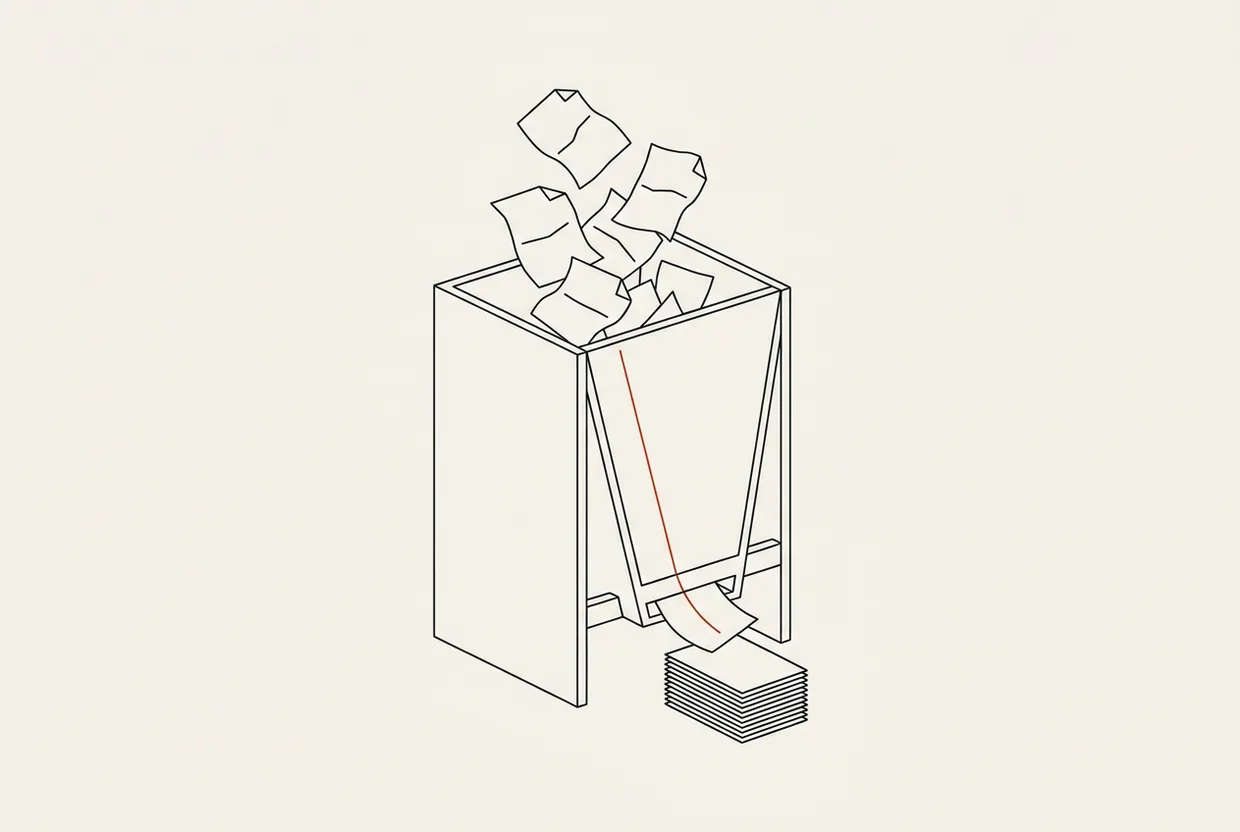
If you have ever copied text out of a PDF, you know the result: the columns get shuffled, tables turn into rows of loose words, headings vanish somewhere in the middle. That broken text is what you feed a model when you hand it your documents.
docling solves exactly that. It takes a document and produces Markdown or JSON that keeps the structure: which line is a heading, which block is a paragraph, where a table starts and ends, in what order a two-column page reads. It is not a text converter. It is a tool that understands the page.
Two models do the heavy lifting, both locally. DocLayNet recognises the layout: titles, lists, tables, figures, footnotes. TableFormer handles the tables, and not just the cells: it works out whether a cell spans two columns and which row is the header. This is where most other tools fall apart. A specification table comes out as flat text, and the model reads numbers without their labels.
The formats it accepts are many: PDF, DOCX, PPTX, XLSX, HTML, Markdown, AsciiDoc, images, audio. From audio it produces text with timestamps. We did not test audio, so that stays a vendor claim.
The most important point for anyone handling sensitive documents: it runs locally. It does not send the file to a service, asks for no key, needs no account. It needs CPU, not a graphics card. A contract or an internal technical document never leaves your machine.
The project started at IBM Research and now belongs to LF AI & Data. On GitHub the repository holds 69,784 stars and 5,210 forks, under an MIT licence. It has existed since 9 July 2024, with its last activity today, 29 October 2026 (repository).
On PyPI the latest version is 2.144.0, published on 28 October 2026. The release rhythm says a lot: 2.141.0 on 20 October, 2.142.0 on the 22nd, 2.143.1 on the 27th, 2.144.0 on the 28th. That is a release almost every other day (PyPI). A good sign for maintenance, a bad one for your peace of mind: a tool that changes every week wants a pinned version in your requirements file.
Who it is for
For anyone who feeds documents to a model and is tired of seeing broken tables. That covers two very different groups.
The beginner building a first question-answering system over their own files — what we call RAG, meaning the model answers from your documents rather than its general knowledge. There Docling does the dirty work without you writing PDF-reading code. Three lines of Python and you have text.
The professional sitting on a pile of technical manuals, price lists, financial statements, contracts. There the structure is not decoration; it is the meaning. A table that loses its headers becomes useless, and the model answers wrongly with an air of confidence.
It shines when documents have tables, two-column pages, footnotes, captioned figures. Where a simple tool produces chaos, Docling produces structured text.
It is not for you if you want to convert a clean Word file with no tables. A light tool does that in milliseconds, without pulling half a gigabyte of models. It is also not for you if you want it running on a phone or a tiny machine with minimal storage. The weight is the price of the structure.
Install
Installation happens from the shell, not from inside a program. There is no settings screen, no install button in an editor. You open a terminal, run one command, and you are done.
Prerequisite: Python <4.0,>=3.10. The package’s classifiers reach Python 3.14, and the test ran on Python 3.14.7 without trouble. If you have uv, nothing else to think about. From any folder:
uv tool install docling
That creates an isolated environment and puts the docling command on PATH. No virtual environment, no activation, no mess in your other packages.
If you prefer pip, you want a virtual environment so nothing collides. Create it, activate it, then:
pip install docling
The first run downloads both models from HuggingFace. Installation does not do it; the first conversion does, and there you wait.
Using it per LLM
Clear statement up front: docling is not an MCP server. You declare no server in any settings file, you write no mcpServers block, you restart nothing. An optional MCP server exists in the ecosystem, but we did not test it and we will not hand you a schema we have not seen working.
Docling is a library and a command. You call it from the shell or from Python. That means it behaves the same with any assistant, because it does not depend on one.
The conversion command, from the folder holding your document:
docling convert paper.pdf --to md --output ./out
The assistant does not need to know what docling is. You give it the command, or you tell it to write the command into a convention file.
Claude Code
In CLAUDE.md you write the convention: when you need to read a PDF or a table, run docling and work from the Markdown. For a manual conversion:
docling convert paper.pdf --to md --output ./out
Codex CLI
The same shape, in an AGENTS.md file. No server setting, only the convention:
docling convert paper.pdf --to md --output ./out
Cursor
One instruction in the project rules. Same command, same result:
docling convert paper.pdf --to md --output ./out
From Python, in three lines
If you want it inside a data pipeline, the library is just as plain:
from docling.document_converter import DocumentConverter
doc = DocumentConverter().convert("paper.pdf")
print(doc.document.export_to_markdown())
Those three lines are half of any RAG system: you get Markdown with tables, you chunk it, you hand it to the model.
From a link instead of a file
It accepts a URL directly:
docling convert https://arxiv.org/pdf/2408.09869 --to md
Handy for public documents, but remember: there the document travels over the network on your command, not on its own initiative.
Where it wins, where it loses
It wins first on tables. A table comes out as a table. In our test, a three-column table with Greek text and numbers came out in Markdown with the headers in place and the cells in the right spots. That is the hardest part of document conversion, and here it is done right.
It wins on reading order. On a two-column page, a tool that reads line by line produces nonsense. Docling recognises the columns and joins them in the right order. We did not measure this on our own sample, but we confirmed it on the real PDF we ran.
It wins on language. The Greek came out intact, accents and all. That is not a given: many tools break on non-English text, especially inside tables.
It wins on needing nothing outside your machine. No account, no key, no cloud.
Now where it loses.
First and biggest: the default embeds images as base64 inside the Markdown. In our test, a 47-page PDF, 549,302 of the 583,345 characters — 94% of the file — were images, not text. The clean text was about 34 thousand characters. If you feed that to RAG, you are sending the model a file that is 94% dead weight, and you pay tokens for images that will never be read. The fix is one flag, and we have it below.
Second, the weight. 1.68 GB the first time, and seconds per document, not milliseconds. For one document a week that is nothing. For a thousand documents it is a night of computing.
Third, speed is not the reason to pick it. It is the reason to pick it when quality is what counts.
And the honest caveat: Docling does no magic on scanned documents. A scanned PDF is an image, not text, and that needs optical recognition. The tool has such a component, but we did not test a scanned document — only the warning it printed. Anyone working with scans has to try it themselves.
Testing
I wrote an HTML file full of traps. It had a heading, a marker sentence, a three-column table with Greek text and numbers, a batch code, and a second heading. I wanted to see whether the table survives and whether anything is lost on the way.
docling convert test.html --to md --output ./out
The conversion took 0.21 seconds, after roughly 20 seconds of command startup. The table came out correct in Markdown, with the headers in place. Every marker sentence was found in the result, and the Greek was intact. Nothing lost.
Then the real thing. I took Docling’s own technical paper from arXiv, a 47-page PDF, and ran it:
docling convert paper.pdf --to md --output ./out
The first conversion took 172 seconds — and the model download was inside that figure. It produced 21 table rows in Markdown, correct. The tool also printed a warning, “RapidOCR returned empty result”: the optical recognition component returned nothing. The document is digital text and did not need it, so the warning cost nothing. We report it as it appeared, without dressing it up.
And then the most useful finding. I looked at the file and found it enormous. 549,302 of the 583,345 characters were base64 images — 94%. I re-ran the same document with one flag:
docling convert paper.pdf --to md --image-export-mode placeholder
The result: 34.3 KB, zero base64, the same 21 table rows, in 137 seconds. That is a file seventeen times smaller, with exactly the information a model needs. The difference in seconds is because the models were warm by then.
This is the most important thing in this article. If you feed RAG with the default, you are sending 94% images. Set the flag.
What I did not measure, and I say so. I did not measure RAM. I did not test a scanned document or optical recognition on a real scan. I did not measure the shape of the optional MCP server. Any number not stated here is not ours.
What it costs
The model. Our own figure: zero tokens. Docling is not a server, it loads no tool schema, it takes no room in any session. The assistant’s context pays nothing, whether you use it or not.
Disk. Our own figure, measured: the tool’s environment takes 1,172.4 MB, that is 1.15 GB. The two models downloaded on first run from HuggingFace add 505.4 MB — layout 163.8 MB and table structure 341.6 MB. Total on first run: about 1.68 GB.
The graphics card. Our own figure: zero. It runs on CPU, and needed no hardware acceleration to produce the results of the test.
In money, nothing. MIT licence, no key, no account, no cloud, no telemetry we know of.
Time, next to all of the above, because time is a cost. Our own figure: 172 seconds for 47 pages the first time, 137 seconds with the models warm, and 0.21 seconds for the small HTML file after command startup.
A vendor claim, not our own figure: audio support, the extra formats, and the optional MCP server. We read those in the documentation. We did not test them.
Verdict
Score: 8.8/10.
Docling solves the problem that breaks half of all RAG systems: document conversion that loses the structure. Tables right, reading order right, Greek intact, all local, on CPU, with zero tokens and zero money. In our test: the HTML with the table came out clean in 0.21 seconds, and the 47-page PDF produced 21 table rows.
It keeps or loses the remaining points for three reasons. Its weight — 1.68 GB on first run — makes it overkill for a clean Word file. Its time is measured in seconds per document, not milliseconds. And its default pads the output with images, which you fix with one flag but you have to know about first.
Where we recommend it without hesitation: in every pipeline that feeds documents to a model and has tables, columns or layout that must survive. There Docling is the cleanest way to hand a model your own documents. For a plain Word file, stay with the light tool.
Sources: repository https://github.com/docling-project/docling · PyPI package https://pypi.org/project/docling/ · documentation https://docling-project.github.io/docling/
Related
All in Knowledge & Memory
pgcli: the light Postgres shell that guesses what you want to type
pgcli is a small terminal program that helps you talk to a Postgres database, which is a free and widely used place…

openwiki: the repository wiki that writes and maintains itself
openwiki is a command-line tool from langchain-ai with an interactive terminal surface. It reads your repository and builds a Markdown wiki, then…
graphify: a knowledge graph that answers questions about your repo without rereading it
graphify is a command-line tool that reads a folder of code, builds a knowledge graph, and then lets you query it in…