
Project Wallace: aerial photography of design consistency
Project Wallace: aerial photography of design consistency
What it does
You hand over a site, and two years later you open the same CSS file to add one button. Inside you find forty shades of grey, fifteen font sizes, the same white written four ways, and two z-index values fighting over the same spot. None of that is a wrong line; it is the absence of a system, and no linter says so, because a linter looks one line at a time.
That is where Project Wallace steps in. It measures how many: unique colours, font sizes, z-index values, units, custom properties declared and then forgotten, the distribution of selector specificity, the count of !important. It never says “line 412 is wrong”; it says how many. Two colours in a site is a system; twenty-four is a decision never taken. A linter asks whether the line is right; Wallace asks how much system the file holds. That is why it is not the tenth linter.
Two packages do the work: the command line wallace-cli 4.0.4 and the engine @projectwallace/css-analyzer 9.9.4, both MIT, both published on 13 October 2026.
The public numbers, with their source. Over the month from 23 September to 22 October 2026 the engine was downloaded 68,090 times and the command line 32,628 times (api.npmjs.org). Also that month css-code-quality had 31,631 downloads and css-design-tokens 2,075 downloads. The projectwallace/css-analyzer repository has 366 stars, 15 forks, opened in 2017, last changed on 21 October 2026; the command-line repository has 645 stars.
Who it is for
For anyone who has to defend their CSS with numbers instead of opinion. A studio taking on an old site wants to know what it is walking into before quoting, and one command tells it how many colours the project carries. A design-system owner wants to weigh it every quarter. A designer wants to prove to the developer that the colour they asked for is one, not three.
And code assistants, who can answer with numbers questions otherwise answered by taste.
It is not for you if you are hunting rule violations; a CSS linter does that better. It is not for a file with five rules. And it gives you no exit code to break the build, as I explain below.
Install
No install, with npx
In the folder holding your CSS, run:
npx wallace-cli@4.0.4 styles.cssnpx downloads it, runs it and lets it go. No key, no account, no config, no telemetry.
A permanent install in the project
From the project root:
npm i -D wallace-cliThen you call the local copy:
./node_modules/.bin/wallace styles.cssThe -D keeps it in dev dependencies, so it never reaches the site your visitors see. On our machine the install of three packages took 1 second, on Node 26.7.0.
Using it per LLM
First the important part: Project Wallace is not an MCP server. You declare it nowhere. It stands up no server. It sends no tool schemas into every session. It is an npm package you call with npx, so its context tax is zero. We searched npm and GitHub for an MCP variant of the tool: there is none.
An assistant uses it through the shell. The three commands below work, and we ran them; how each assistant behaves around them is my own estimate, because I drove no agent session inside any of them.
Claude Code, and any assistant with a shell
You grant it permission to run the command, and the measurement is one step:
npx wallace-cli@4.0.4 styles.cssThe answer is text both a human and a model read, useful when the question is “what state is this CSS in?”.
Codex CLI
Same reasoning, with structured output, because here the model compares numbers:
npx wallace-cli@4.0.4 --json styles.css > report.jsonYou are left with a file to keep or compare against next quarter.
Cursor, pipes and CI
The agent has a terminal and the commands are the same. In a pipe the CSS need not even be a file:
cat styles.css | npx wallace-cli@4.0.4In CI, mind the next part. The tool has no exit code for failure, so it stops no build on its own. You put it there to read numbers, not to guard.
Where it wins, where it loses
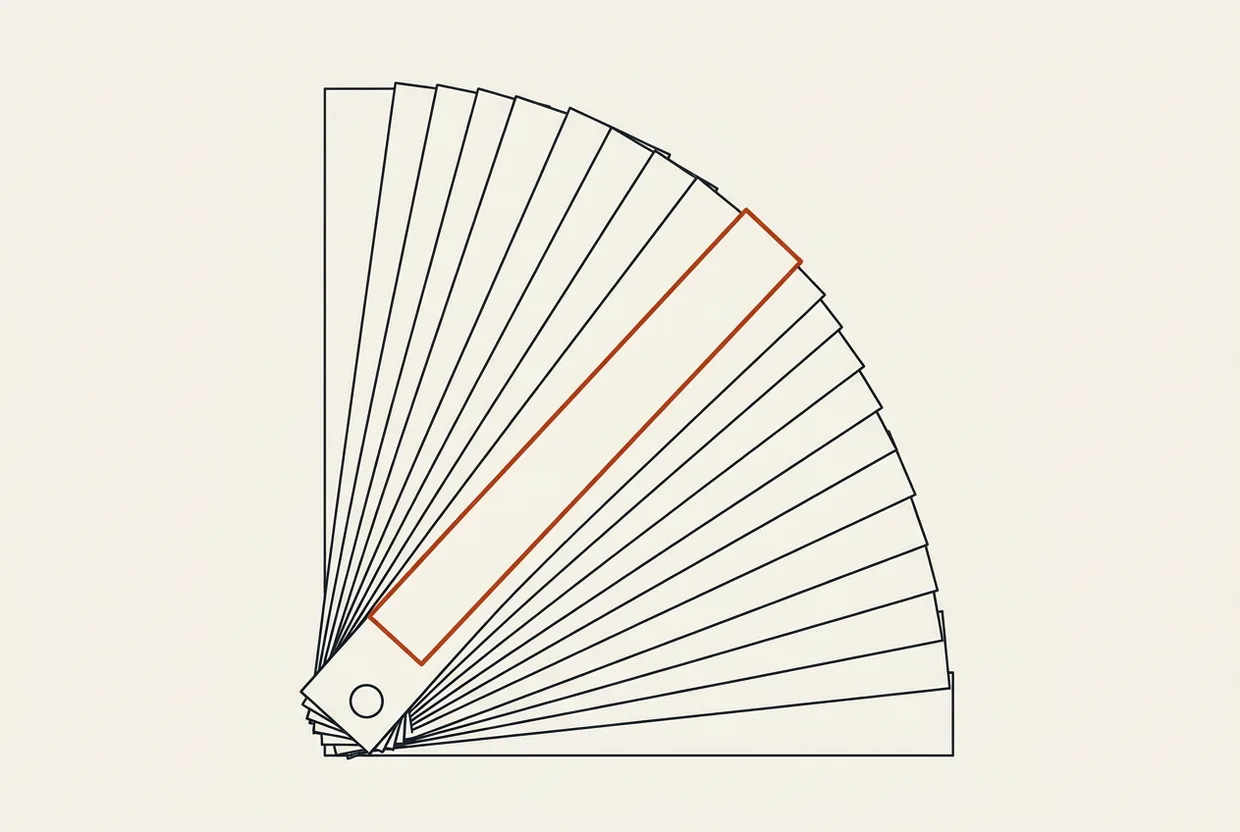
It wins because it measures what nobody measures: not lines, but totals. An aerial photograph does not judge buildings, it shows the shape of the settlement.
It wins on speed, half a second for a whole stylesheet, on a machine with no graphics card. It wins on zero config. And it wins on the fact that the project has a single maintainer yet ships a release every two weeks: 23 releases during 2026, a number measured by our research.
It loses in three places, in order of seriousness.
First, no exit code. Our own measurement: wallace --version does not print a version, it prints the help text. It has three options in total: --json, --help and a file path, or data from standard input. There is no way for it to say “something went wrong” that a script can understand. It is not a guard, it is a meter.
Second, it cannot see perceptual differences between colours. We found it with a trap we set ourselves, not by reading documentation: the same white written in four notations counts as four things, while the eye sees one.
Third, the bus factor. One person, one dependency, his own CSS parser. A risk you know in advance: if something happens to the maintainer, the tool has no second hand on the wheel.
And the licence. The three core packages — css-analyzer, wallace-cli, css-code-quality — are MIT: do as you like, closed product included. @projectwallace/css-design-tokens, though, is EUPL-1.2, a European licence with weak copyleft: modify it and distribute it, and your changes stay open. One package, a different licence.
Testing
Everything below we ran on Windows 11, on a Dell Inspiron 3576, with no graphics card, on Node 26.7.0.
I wrote a CSS file by hand and counted it myself first: 11 rules, 11 selectors, 19 declarations, two !important flags, two @media blocks, four z-index declarations with four different values, a maximum specificity of 1/3/0, and one custom property declared and never used.
npx wallace-cli@4.0.4 styles.cssThe answer was 11/11/19, exactly. It found both !important flags, both @media blocks, the 4 z-index declarations with 4 unique values, specificity 1/3/0, and exactly the one forgotten custom property. Time: 0.373 seconds for 406 bytes.
Then the trap, the most useful measurement in this article. I put the same white in four notations into the file (#ffffff, #fff, rgb(255 255 255), hsl(0 0% 100%)) and black in two (black, #000). The tool reported seven unique colours; the eye sees three. So it counts notations, not colours. Anyone reading it as drift is chasing ghosts: they hunt a colour that does not exist, and may walk past a real drift that is visible but reads as “the same” in the measurement.
And the detail in the companion package. @projectwallace/css-design-tokens does gather #ffffff, #fff and rgb() into one token, but a value written in hsl splits into a second: three tokens for two colours. That is not in the documentation either; we found it by testing.
We ran no agent session inside those three; what was tested, was tested in the shell.
What it costs
The tool. No money and no account: wallace-cli and its engine are MIT, they arrive with a single npx and ask for no key, card or login. They run locally, without a graphics card. The install measured three packages in one second; the whole family, with css-code-quality and css-design-tokens, eight packages and 1.3 MB. One warning that is hard to find elsewhere: css-design-tokens is not MIT but EUPL-1.2, a European licence with weak copyleft — in a closed product it needs a decision before it enters a build.
The context. Zero. There is no MCP server for Project Wallace: we searched npm and GitHub and found no repository. With no server there is no tool list to send into every session. For comparison, an ordinary MCP server with six tools loads about 2,690 characters of schema, that is ~672 tokens in every session, and the official GitHub MCP server declares around 55,000. Here you pay only for the words you write.
The work. The analysis never passes through a model: 0.37 seconds of CPU for 406 bytes, zero tokens. Cost begins when the numbers reach a conversation with a model — and there you do not pay for the questions, you pay for what you drag along into every session. In our own stack, of the 1.07 billion tokens recorded, 1.007 were cache reads: 94%. Our estimator billed this work at $30.16 while the provider’s treasury has burned $39.07; that gap is not an error, it is images and vision the estimator cannot see. The “7 unique colours” on the dashboard cost nothing, and it is the most useful number of the day.
Verdict
Score: 8.0/10.
Project Wallace is a measuring instrument, not the tenth linter. It tells you how many colours, how many sizes, how many z-index values, and which custom property you forgot, with no config file and no key. Every number in our test came out right: 11/11/19, two !important flags, two @media blocks, four z-index values, specificity 1/3/0, 0.373 seconds.
It loses its two points where no setting can fix them. It has no exit code, so it guards no build: you read the output yourself. And it counts colours by notation rather than by what the eye sees, so three visible colours become seven on the dashboard, something you know from us and not from the documentation. Add the one person and his own parser, and the score explains itself.
Run it today on your worst file, and keep the --json so that in three months you can see what you added.
Sources: repository https://github.com/projectwallace/css-analyzer · command line https://www.npmjs.com/package/wallace-cli · measuring engine https://www.npmjs.com/package/@projectwallace/css-analyzer
Related
All in Design
shadcn-ui-mcp-server: the assistant reads the component code instead of guessing it
You have watched an assistant build you a button with the wrong height, the wrong colour, the wrong variant. It does not…

@shadcn/lint: the linter that corrects your agent instead of scolding it
@shadcn/lint is a plugin for ESLint and Oxlint, not a standalone command-line tool. You declare which Tailwind classes are allowed on each…

Lighthouse: the auditor that opens your page and tells you what is broken
Lighthouse is a free program that opens a web page in a browser with no window — nothing appears on screen, the…